Ways to Access ThreatStream
You can access ThreatStream through a supported web browser or via REST APIs.
Connecting to ThreatStream via a Web Browser
-
To connect to the ThreatStream Cloud platform:
-
US Cloud:
https://ui.threatstream.com -
EU Cloud:
https://ui-eu.threatstream.com
-
-
To connect to ThreatStream OnPrem:
https://<appliance_host_name_OR_IP_address> -
To connect to ThreatStream API:
-
US Cloud:
https://api.threatstream.com/api/<api_version>/<resource>/
-
EU Cloud:
https://api-eu.threatstream.com/api/<api_version>/<resource>/
-
Browser Requirements
The latest versions of the following browsers are supported for accessing the ThreatStream user interface:
- Chrome
- Microsoft Edge
- Firefox
- Safari
Authenticating to ThreatStream
You can authenticate to ThreatStream using your work email address and password, Single Sign-On (SSO), or API.
To learn more about email address and password authentication, see Signing In to ThreatStream with Email and Password.
To learn more about SSO authentication, see Signing In to ThreatStream Using SSO.
To learn more about API authentication, see Accessing the API.
Signing In to ThreatStream with Email and Password
You can sign in to ThreatStream using your work email address and password.
To sign in with your email and password:
-
Open a supported browser and go to
https://ui.threatstream.com(for US Cloud customers)OR
https://ui-eu.threatstream.com(for EU Cloud customers)Note: If you are using ThreatStream OnPrem, go tohttps://<appliance_host_name_OR_IP_address> -
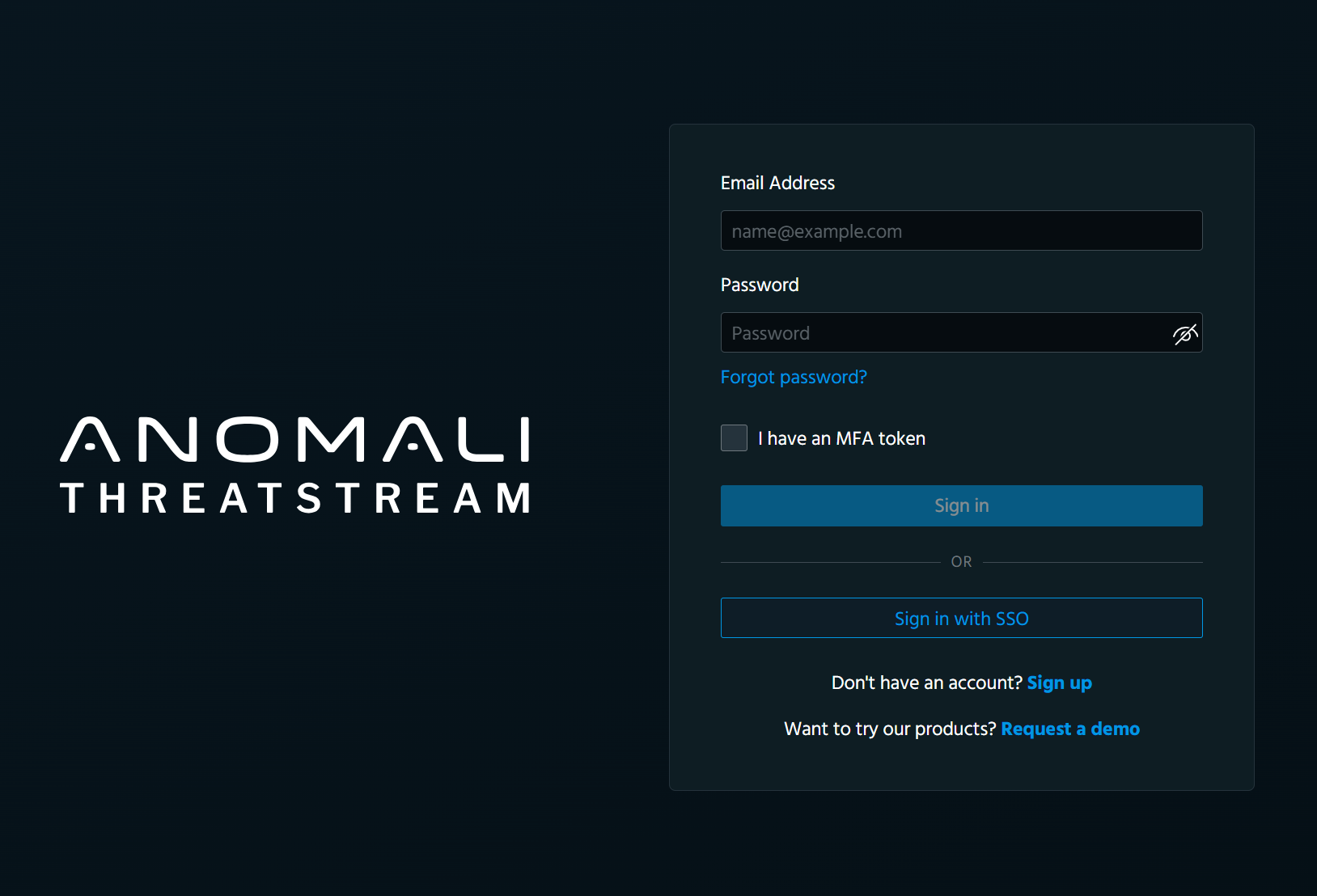
On the login page that opens, enter your work email address and password.
-
Select I have an MFA token and enter the code provided by the Authenticator app you use.
Note: This step applies only to organizations that require multi-factor authentication. -
Click Sign in.
You are redirected to the ThreatStream landing page.
Signing In to ThreatStream Using SSO
ThreatStream supports Single Sign-On (SSO), allowing you to securely sign in using an identity provider configured by your organization.
You can sign in to ThreatStream with SSO in one of the following ways:
-
Initiate login from your identity provider. See Configuring Single Sign On (SSO) for details.
-
Use the ThreatStream Login page to initiate login.
Note: Authenticating through SSO on the SSO login page is not supported by ThreatStream OnPrem.
To sign in using the SSO login page (Beta):
-
Open a supported browser and go to
https://ui.threatstream.com(for US Cloud customers)OR
https://ui-eu.threatstream.com(for EU Cloud customers)
-
Click Sign in with SSO.
-
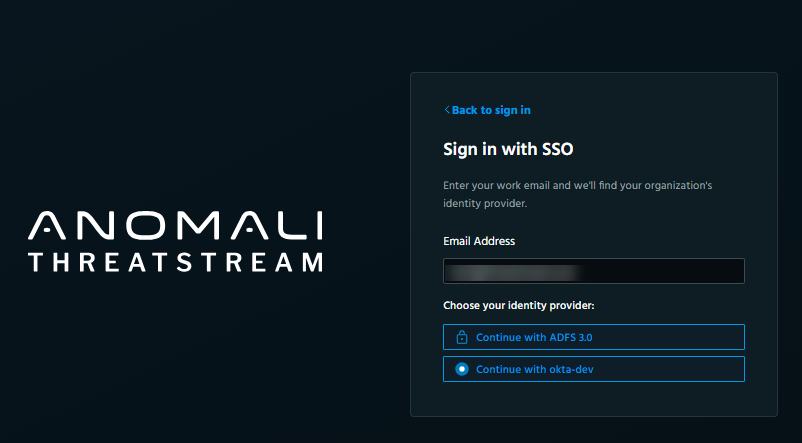
Enter your work email address.
ThreatStream automatically checks whether your organization has SSO configured.
Depending on your organization’s configuration, one of the following occurs:
-
If one SSO provider is configured, a message indicating that you are being redirected to the ThreatStream landing page is displayed.
-
If multiple SSO providers are configured, a list of available providers is displayed. Click the provider you want to use to be redirected to the ThreatStream landing page.
-